
Hawkins VINELink Custody Coverage
Behind the service sits TN SAVIN, run by the Tennessee Sheriffs' Association. All 95 Tennessee sheriffs take part, including Hawkins County. That is the participation evidence for Hawkins. The system alerts crime victims and other citizens when someone in a participating jail is released, transferred, or escapes. It does not supply booking photos. It will not replace the sheriff's booking record. Start with the official TN SAVIN explanation or the VINELink application itself. A booking number from the Hawkins County Sheriff sharpens the search. Common names and odd spellings cause trouble. New arrivals may not appear yet. Ask the jail whether intake has reached the notification system.
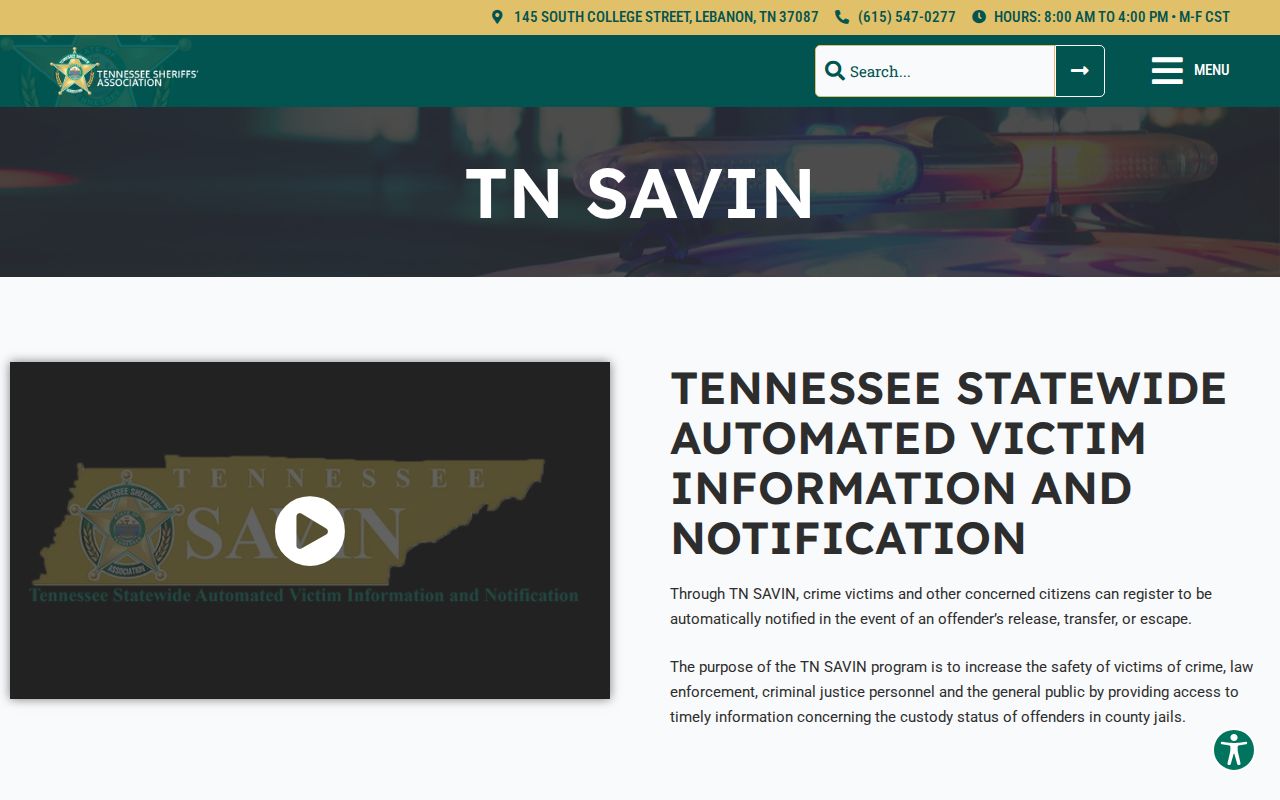
The source confirms the statewide county-sheriff network and its release, transfer, and escape events.
Search a Hawkins Arrest on VINELink
Begin with the exact legal name. Spelling, suffixes, and aliases vary, so a booking number from the jail is stronger. If several results come back, compare the identifiers and custody details the system itself displays. Never match on a name alone.
- Open VINELink and choose Tennessee as the state.
- Select the custody search if the interface separates custody and court functions.
- Enter the person’s name or booking number supplied by the jail.
- Review possible matches and compare facility, identifier, and status.
- Open the correct record and use the notification control if alerts are needed.
- Confirm urgent or unclear information with the Hawkins County Sheriff’s Office.
VINELink is a JavaScript app. Its buttons and routes can change, and the VINELink search screen shows the plain entry point without publishing names or booking photos.
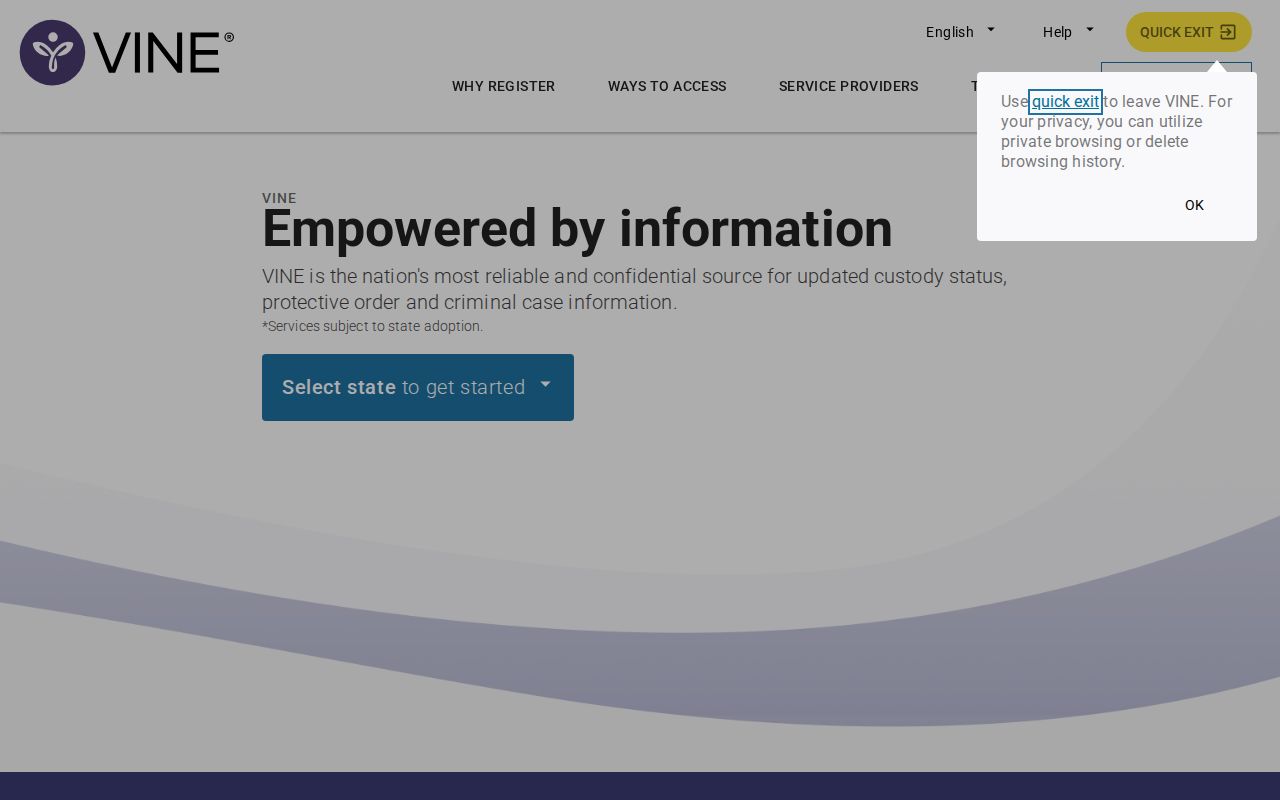
Use the state and custody controls the current interface shows. Old deep links may not work.
Hawkins VINELink Result Fields
A VINELink result is a custody-status record, not a full arrest packet. Fields vary by agency and interface. Some entries run late or stay unavailable. Use the result to read current status and register alerts, then get source documents from the sheriff or the court.
| Possible field | What it means |
|---|---|
| Name | The identity reported to VINE; compare carefully |
| Booking or offender ID | An identifier that helps distinguish similar names |
| Custody status | The state reported by the participating agency |
| Facility | The reporting place or custody location when shown |
| Release | A custody event, not a court disposition |
| Transfer | Movement to another custodian or location |
| Notification option | The control for registering an alert |
A release alert means custody ended or changed. It is not the case outcome. Bond, dismissal, transfer, and sentence each carry different legal meanings, so ask the Hawkins court clerk for the docket and disposition.
- Custody event
- A reported change such as release, transfer, or escape.
- Disposition
- The court’s recorded outcome for a charge or case.
- Booking number
- The jail intake identifier, which may differ from a court number.
- PIN
- The four-digit code used to confirm phone notifications.
Register Hawkins Custody Alerts
Open the correct person's record first, then choose "Get Notified" or whatever the current control is called. Phone, text, email, TTY, and in-app delivery may be offered in Tennessee. Availability varies. Give a private channel you check often, then finish the on-screen confirmation steps. Phone signup uses a four-digit PIN. Keep it handy to confirm an automated call.
- Select the custody events offered for the matching record.
- Choose a notification channel and enter accurate contact information.
- Create and save the four-digit PIN used for phone confirmation.
- Complete any validation step shown by the application.
- Update contact details if the telephone number or email address changes.
- Keep the sheriff’s number available for independent confirmation.
Automated calls can keep coming for 24 hours or until the PIN is entered. Skip switchboards and shared answering machines as the only alert number. The service is free and confidential. It cannot guarantee anyone's safety. It never replaces 911. The registration interface at VINELink walks users through choosing a contact method and PIN.
The registration view sketches the alert path; follow the live screen since the app can change.
Hawkins Custody and Court Alerts
TN VINE Courts handles the after-booking side. It sends notices about case status and upcoming hearing dates, times, and locations. A court event and a custody event are not the same thing. Release from jail says nothing about the charge. A scheduled hearing says nothing about custody. The official TN VINE Courts page details that separate service.
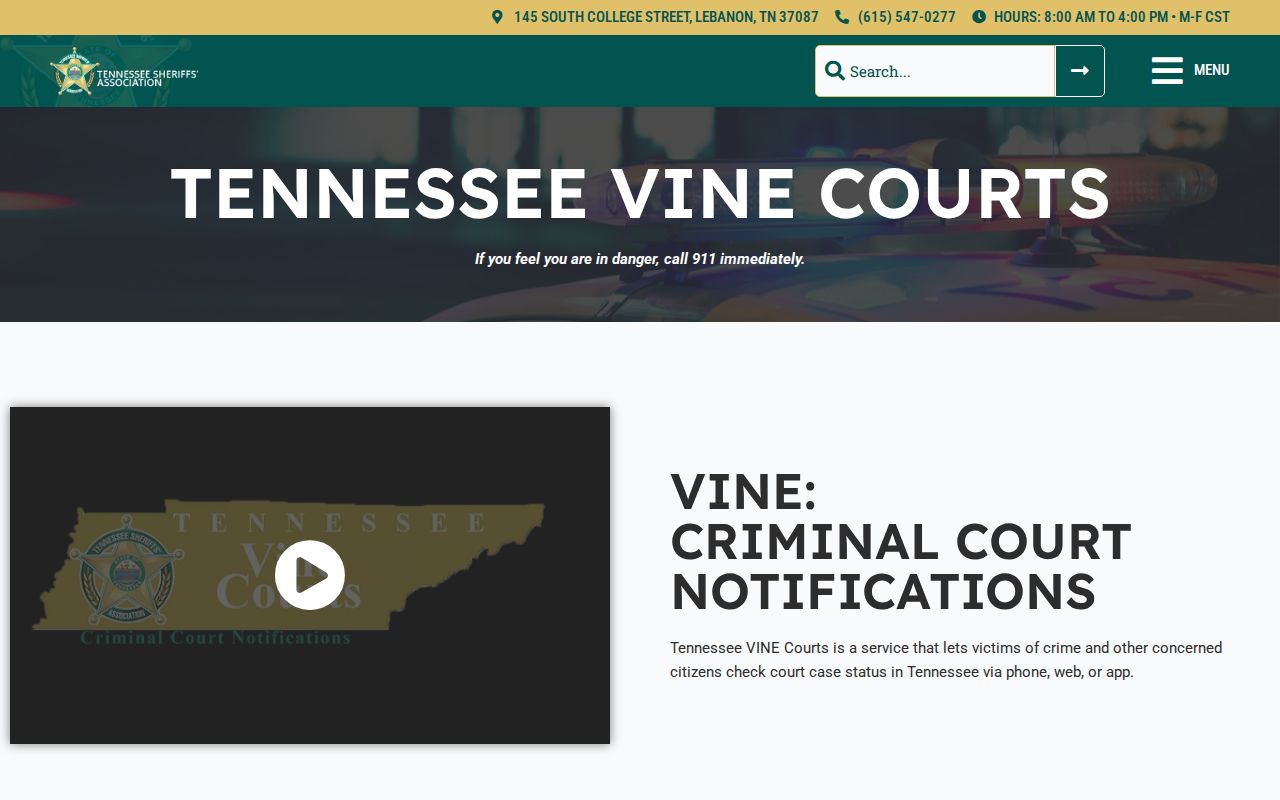
When you need an official docket or disposition, pair court alerts with the Hawkins Circuit Court Clerk. The county clerk keeps Circuit, Criminal, Juvenile, and General Sessions records. Ask which division holds the case. A docket number speeds things up. Tennessee Public Case History is mostly appellate. It is not a general Hawkins County trial-court lookup.
VINELink Arrest Check Limits
VINE data can lag behind a fresh Hawkins County booking. Another county, the state, the feds, or a city may hold the person instead. Names get entered differently. A booking number may not exist yet, and some records stay protected. People also leave custody before anyone searches. One empty result does not disprove detention.
For urgent Hawkins County custody matters, call (423) 272-4848. Ask the sheriff about current custody, the booking number, and whether the VINE record should update.
Hawkins County posts no same-day booking feed. VINELink will not fill that gap for a fresh arrest, and it offers no mugshots either. The county publishes no public photo policy. To see a booking photo, ask the sheriff under the Tennessee Public Records Act. Ask staff whether any legal exception applies. For someone just arrested, the daily arrest route explains how to confirm a new intake directly with the sheriff's office. Do not guess at a posting schedule. Once the person is released, request the booking record and turn to the court clerk for the later legal result.
Other Hawkins Custody Systems
A Hawkins arrest can place a person in systems VINELink never touches. TDOC FOIL covers felony offenders in Tennessee Department of Correction custody or supervision. That includes both past and present. It can show a state offender photograph, status, location, sentence, and release details. It does not track everyone arrested in Hawkins County. It skips people held pretrial at the detention center. The MyTN app exposes FOIL. It is not a Hawkins sheriff app. Federal cases run on separate rails. The Bureau of Prisons locator handles federal sentenced custody, while the U.S. Marshals Service manages federal pretrial detention. It can house people in local, state, or private facilities. ICE runs its own locator for ICE custody and qualifying CBP custody. TN SAVIN should not be assumed to cover any of those federal systems.
| System | Population | Primary use |
|---|---|---|
| Hawkins sheriff | County booking and local custody | Confirm intake and request the booking record |
| TN SAVIN/VINELink | Participating custody records | Register for custody-event alerts |
| TN VINE Courts | Eligible court cases | Receive hearing or case-status notices |
| TDOC FOIL | State felony custody or supervision | Check state status and possible offender photo |
| BOP | Federal sentenced custody | Find federal location and release data |
| ICE | ICE detention | Search exact immigration custody criteria |
Verify the Hawkins Arrest Record
Cross-check before you trust any single screen. Does identity, status, or timing look off? Compare the sheriff's answer, the VINE result, and the court docket together. Write down the booking number, the date you checked, and your notification confirmation. Keep any alert PIN private. Never publish it or share it. If an alert conflicts with what the sheriff reports, call the custodian of the record. For immediate danger, use emergency services rather than an app.
Public Record Search
Sponsored Results